If you need assistance with the OneBlink Low Code Suite, there are several ways to contact the OneBlink Support team.
TABLE OF CONTENTS
Report an Issue (Recommended)
If you are already using the OneBlink platform, the easiest way to contact support is through the Report an Issue form.
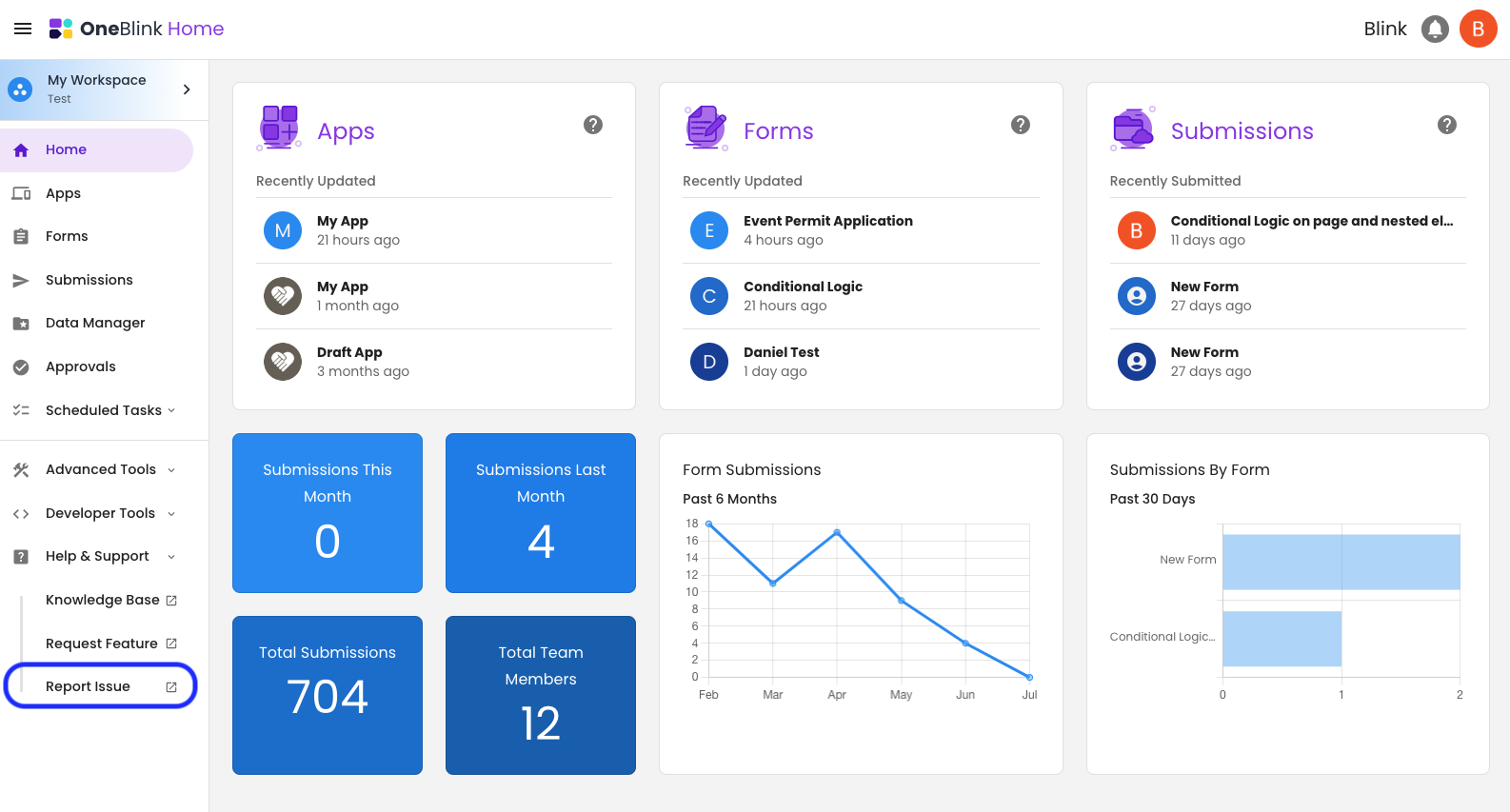
Step 1: Sign in to the OneBlink Console.
Step 2: Select Report an Issue from the side navigation menu.
Step 3: Complete the form with as much information as possible, including:
- A clear description of the issue or question.
- The steps to reproduce the issue (if applicable).
- Any error messages you received.
- Screenshots or screen recordings.
Step 4: Select Submit.
A support ticket will be created and sent directly to the OneBlink Support team.
Email Support
You can also contact the OneBlink Support team by emailing: support@oneblink.io
Emails sent to this address automatically create a support ticket.
For the fastest resolution, include:
- A clear description of the issue or question.
- Steps to reproduce the issue (if applicable).
- Screenshots or screen recordings.
- Any relevant error messages.
- The name of the form, application, or environment affected.
Create a Support Ticket
If you prefer, you can create and manage support tickets directly through the OneBlink Support Portal.
Step 1: Navigate to https://support.oneblink.io.
Step 2: Select New Support Ticket.
Step 3: Complete the required fields, including:
- Name
- Email Address
- Company
- Subject
- Type of Issue
- Priority
- Description
Step 4: Attach any supporting files, such as screenshots or log files.
Step 5: Select Submit.
Once signed in to the Support Portal, you can also:
- View your existing support tickets.
- Reply to support staff.
- Track the status of your requests.
- Update or close your tickets.
Was this article helpful?
That’s Great!
Thank you for your feedback
Sorry! We couldn't be helpful
Thank you for your feedback
Feedback sent
We appreciate your effort and will try to fix the article