OneBlink LcS apps can still function when you are offline or have intermittent internet access. When the App is installed on a device and opened, the data is cached so that it can be accessed even when the user is offline.
TABLE OF CONTENTS
- Submitting Forms Offline
- Uploading Attachment Offline
- App Pending Submissions Menu
- Slow Internet Connections
- Get Help
Submitting Forms Offline
When a form is submitted while offline, it is stored in the App Pending Queue it will then be automatically submitted once an internet connection is available.
Uploading Attachment Offline
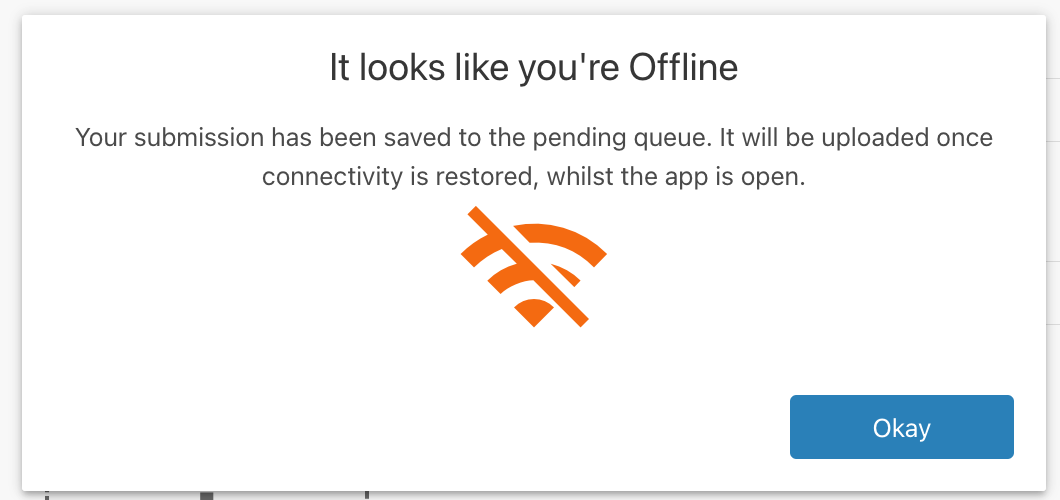
When trying to upload attachments (files, camera, checklist media, or signature elements), the app user will be shown an offline message.

App Pending Submissions Menu
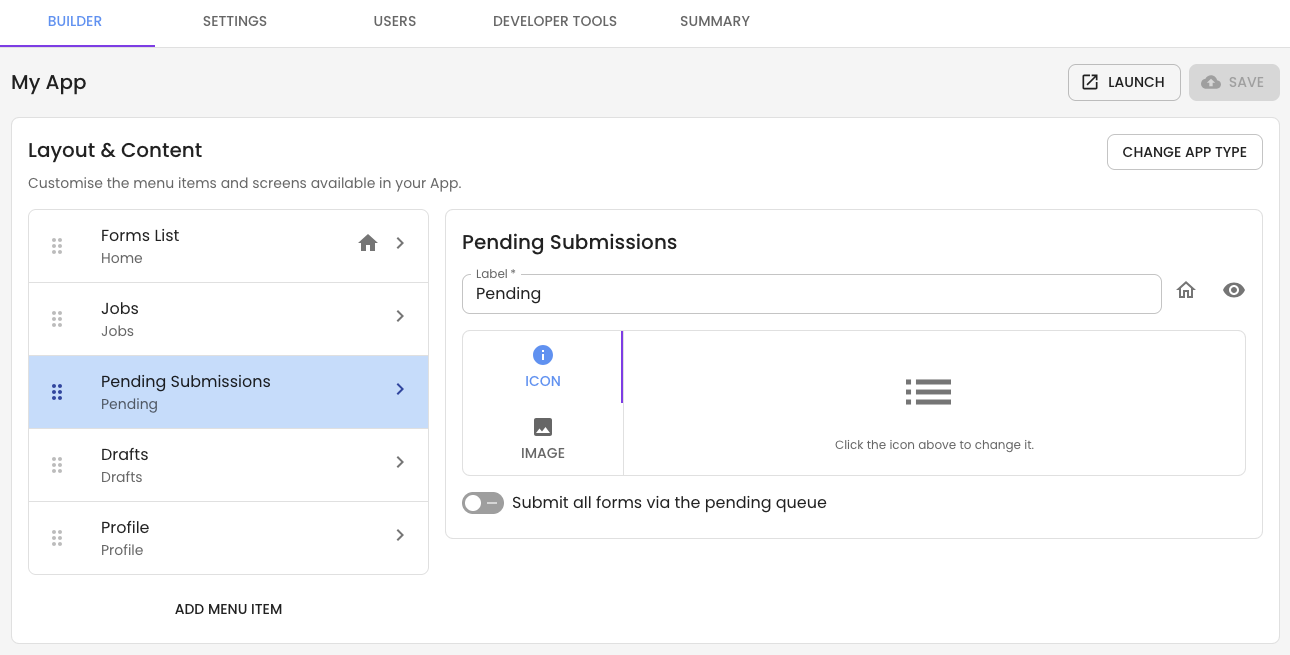
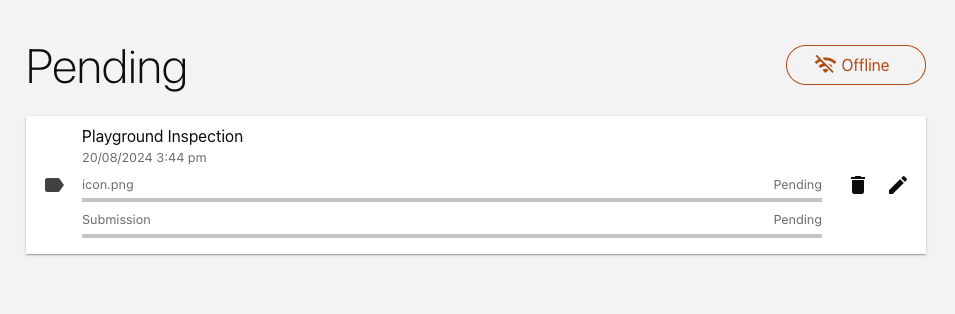
By default, all apps will include a Pending Submissions menu item or tile. The Pending Submissions menu will store all submissions that are completed while offline or while on a poor internet connection. The pending queue displays the list of pending forms, the date and time they were submitted, and any attachments that need to be uploaded.
If you're concerned about users having limited connectivity/poor connectivity, submissions can be sent to the Pending queue quickly, making it so that Pending Queue Submissions are submitted via the Pending Queue. This can be configured in the App screen.
Use the edit button to make changes to your pending submission. If you are editing a pending submission and come back online, the form will not be submitted until you click the submit button again. You can also use the delete button to remove submissions from your pending queue.
Slow Internet Connections
When completing a form on a slow internet connection, you can also add the submission to the Pending Submission Menu to complete uploading in the background, allowing you to continue to use the app.
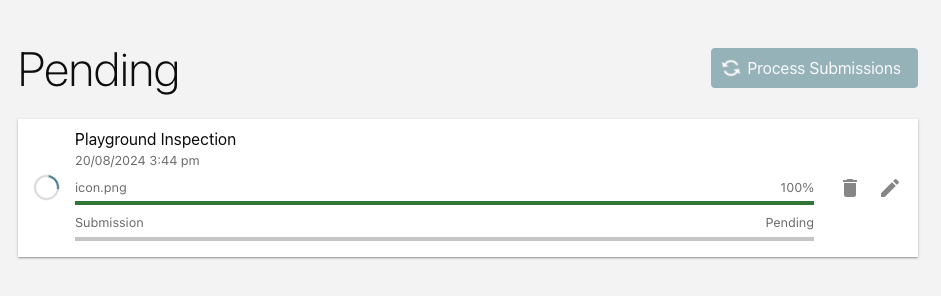
Once a submission has been completely uploaded and submitted from the Pending Submission Menu, the app user will get a notification.

Note: Some of the advanced tools will not function while the user is offline, for example, personalisation, dynamic lookups and server-side validation.
Get Help
If you have any questions or would like assistance with offline submission or the Pending Submission Menu, please contact us via this support portal or email support@oneblink.io. We are happy to assist in any way we can.
Was this article helpful?
That’s Great!
Thank you for your feedback
Sorry! We couldn't be helpful
Thank you for your feedback
Feedback sent
We appreciate your effort and will try to fix the article