Submissions Extract allows you to download form submission data directly from the platform. This is useful when you need quick access to submission data without configuring an integration such as Power Automate, Hosted Webhooks, HPE Content Manager or another Productivity Suite integration.
TABLE OF CONTENTS
Extracting Form Submission Data
To extract submission data from a form, follow the steps below:
Step 1: Navigate to the form and open the Submissions tab.
Step 2: Select the form and date range for the submissions you want to extract.
Step 3: Click Refresh to display the submissions for the selected time period.
Step 4: Click Extract.

An email will be sent to the email address you are logged in with. The email will include a download link for the form submission data in JSON format.
Working with Extracted Data
JSON, or JavaScript Object Notation, is a commonly used text-based data format.
The extracted JSON file can be used with other systems or converted into a CSV file for use in tools such as Google Sheets, Microsoft Excel, databases or analytics tools.
Converting JSON to CSV
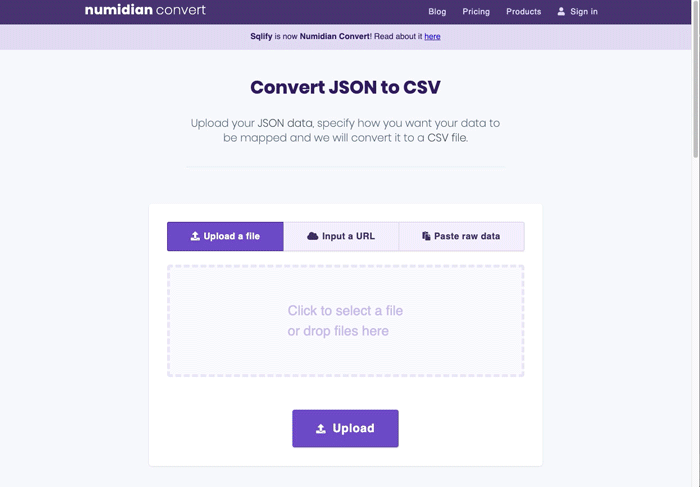
You can use a third-party JSON-to-CSV converter if you need the extracted data in spreadsheet format.
For example, the original article references numidian.io as one option for converting a JSON export into a CSV file.
Getting Help
If you need any assistance with Submissions Extract, please reach out through the Report Issue menu or email support@oneblink.io.
Was this article helpful?
That’s Great!
Thank you for your feedback
Sorry! We couldn't be helpful
Thank you for your feedback
Feedback sent
We appreciate your effort and will try to fix the article